iniBuilds has updated their Los Angeles International Airport (KLAX) for Microsoft Flight Simulator, giving it a big overhaul and making the scenery even more realistic.
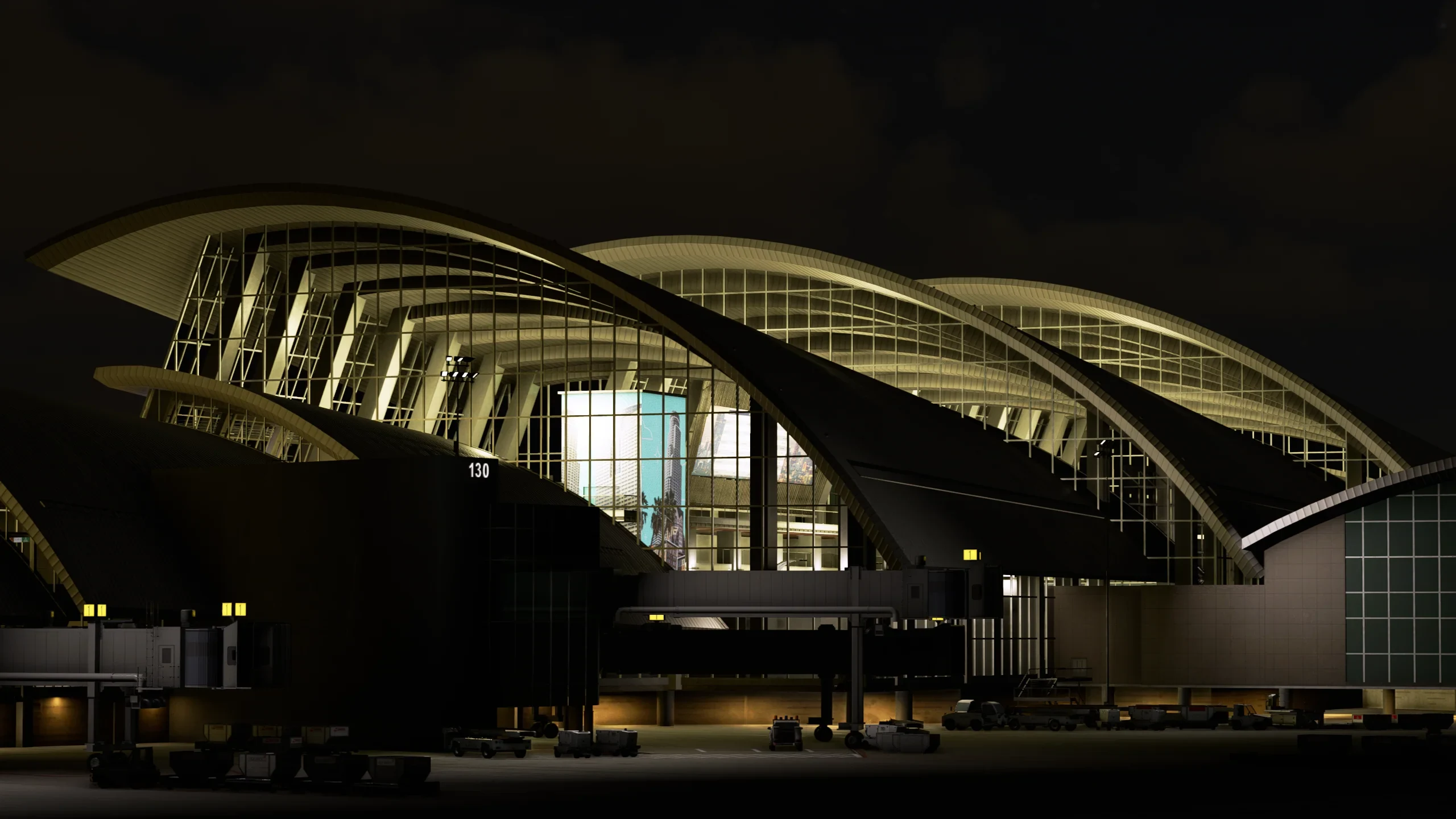
The airport has received a new update that includes performance enhancements, remodeling, updated models, and layout changes. See the full changelog below:
v1.2.0
– TBIT and TBIT satellite have largely been remade. Properly LOD’ed with a reduction in the overall number of materials and textures.
– Terminal 3 updated to current layout.
– Associated T3 parking/jetways etc updated
– All building and terrain models have had lods updated and should now work correctly in normal flight ops.
– HD textures reduced in size overall.
– Some GSE has been replaced with newer models
– GSE placements have been thinned out and inimanager options added for better control.
– Taxiway D extension added
– Taxi signs adjusted
– Various taxiway designations corrected
– Various terrain adjustments to reduce bumps
– FedEx Cargo area Gate 2 shows as gate “Z”
– All TBIT gates have the correct number of jetways
– Taxiway Edge lighting misplacements
– Airline terminal info boards corrected
– United Hangar missing gate numbers on ground marking
– Replaced default LOC arrays with custom versions
– Replaced missing GS antennae
– VDGS updated to the latest version
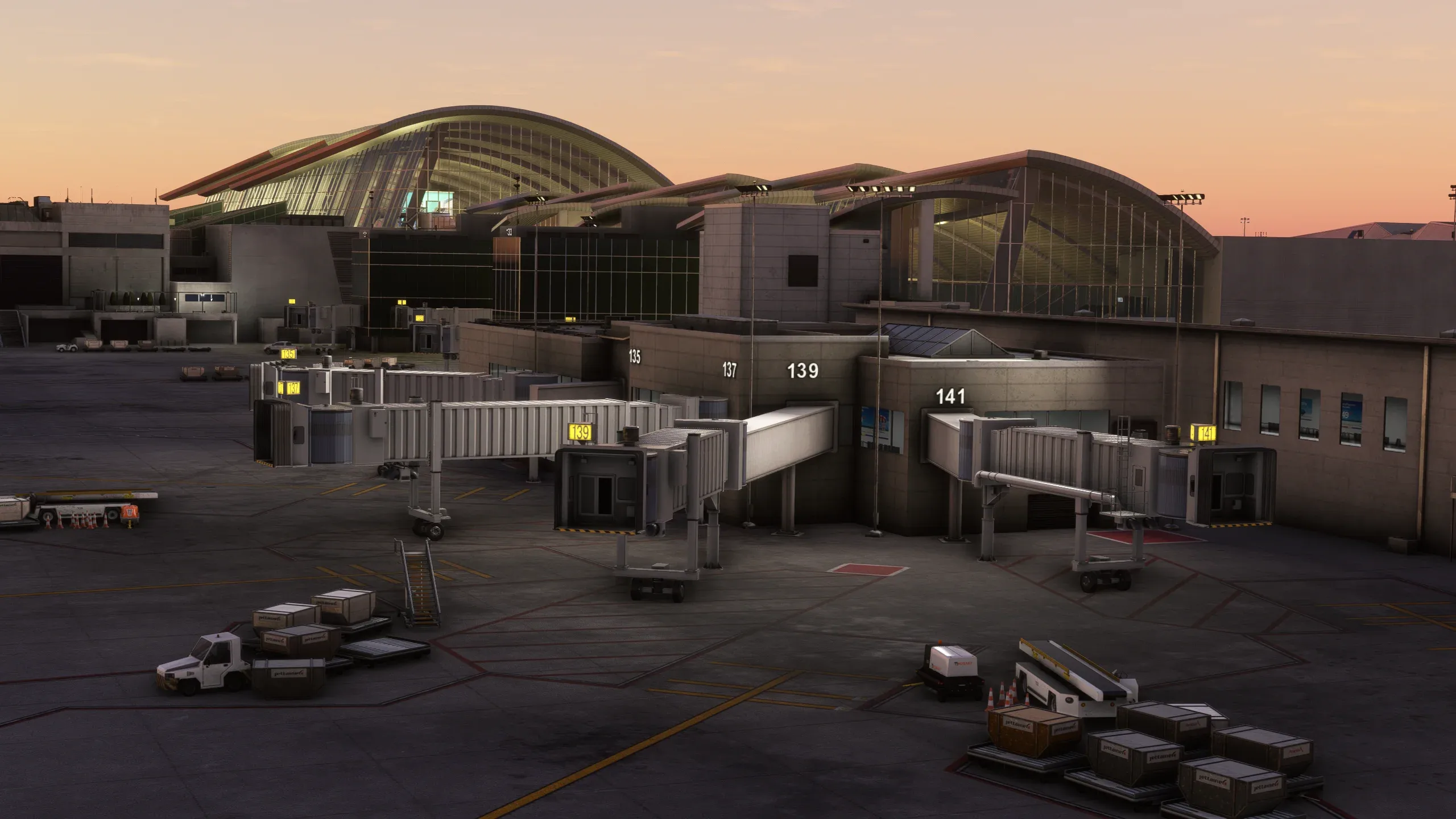
The updated version of LAX is now available on iniManager. It can be purchased from the iniBuilds Store for around $24.89, but it’s currently on sale for $19.19. The new version requires 5.76GB of storage space.
For the latest flight simulation news, remember to stay tuned on Threshold!