iniBuilds has recently updated their newly released Airbus A300-600R for Microsoft Flight Simulator, fixing various issues ranging from VNAV tweaks to CTD mitigations.
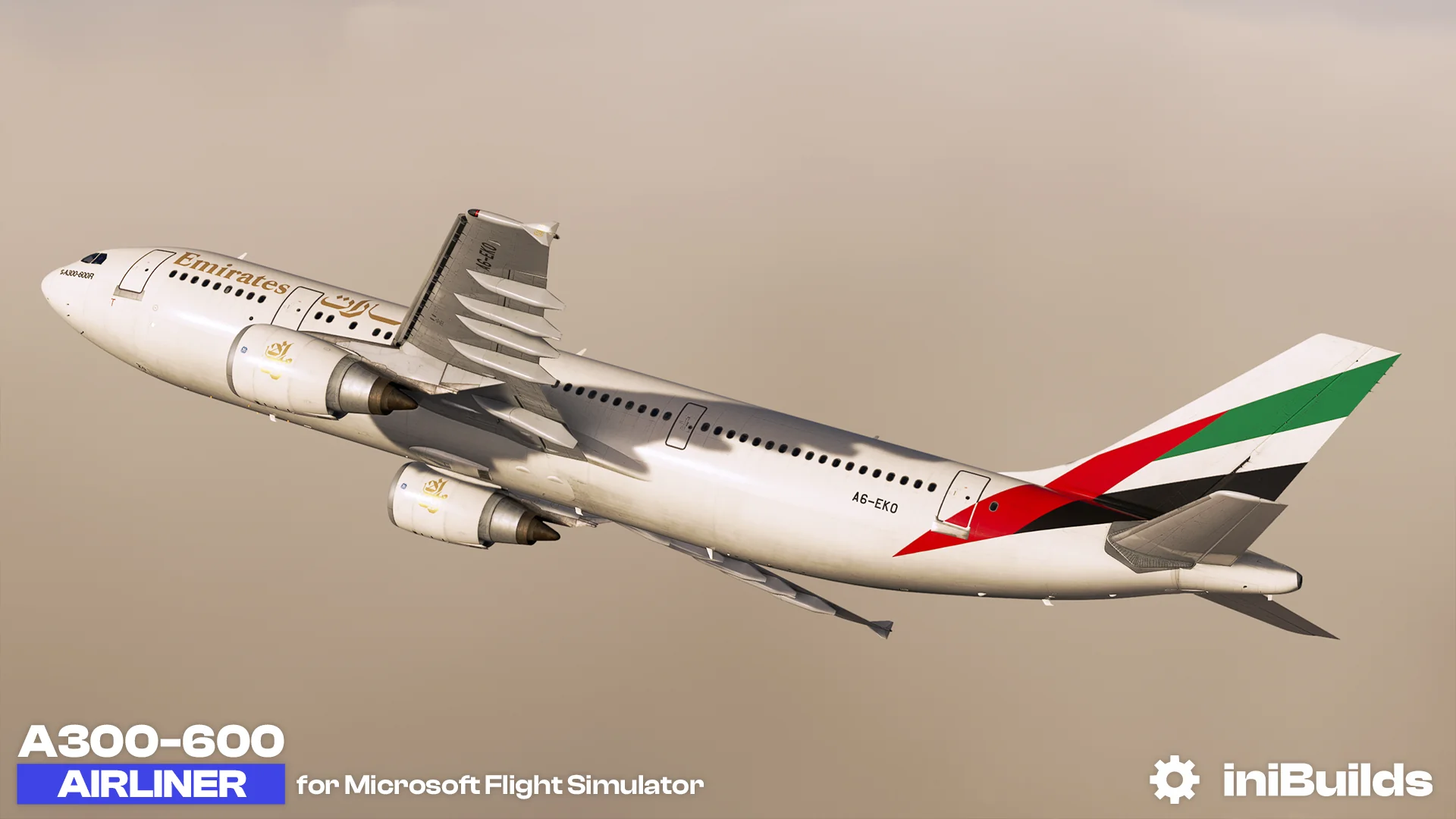
Version 1.0.1, the first patch for the A300 so far, brings a substantial list of fixes and improvements to their brand-new release for MSFS. The changelog follows below:
- Fixed – Turnaround flight, block and ZFW fields not automatically cleared
- Fixed – DCT to bug causing crash bug fixed
- Fixed – SFPI Speed brake light does not illuminate when speed brakes are extended
- Fixed – TRP Should switch to GA at Slats extension
- Fixed – different F speed appears (depending on the 15/15 or 15/20 condition)
- Fixed – Wrong logic with the PRE-SET speed activation: Should only activate that speed when LVL/CH or ALT Selected or in ALT*
- Fixed – ARC ILS rotation issue
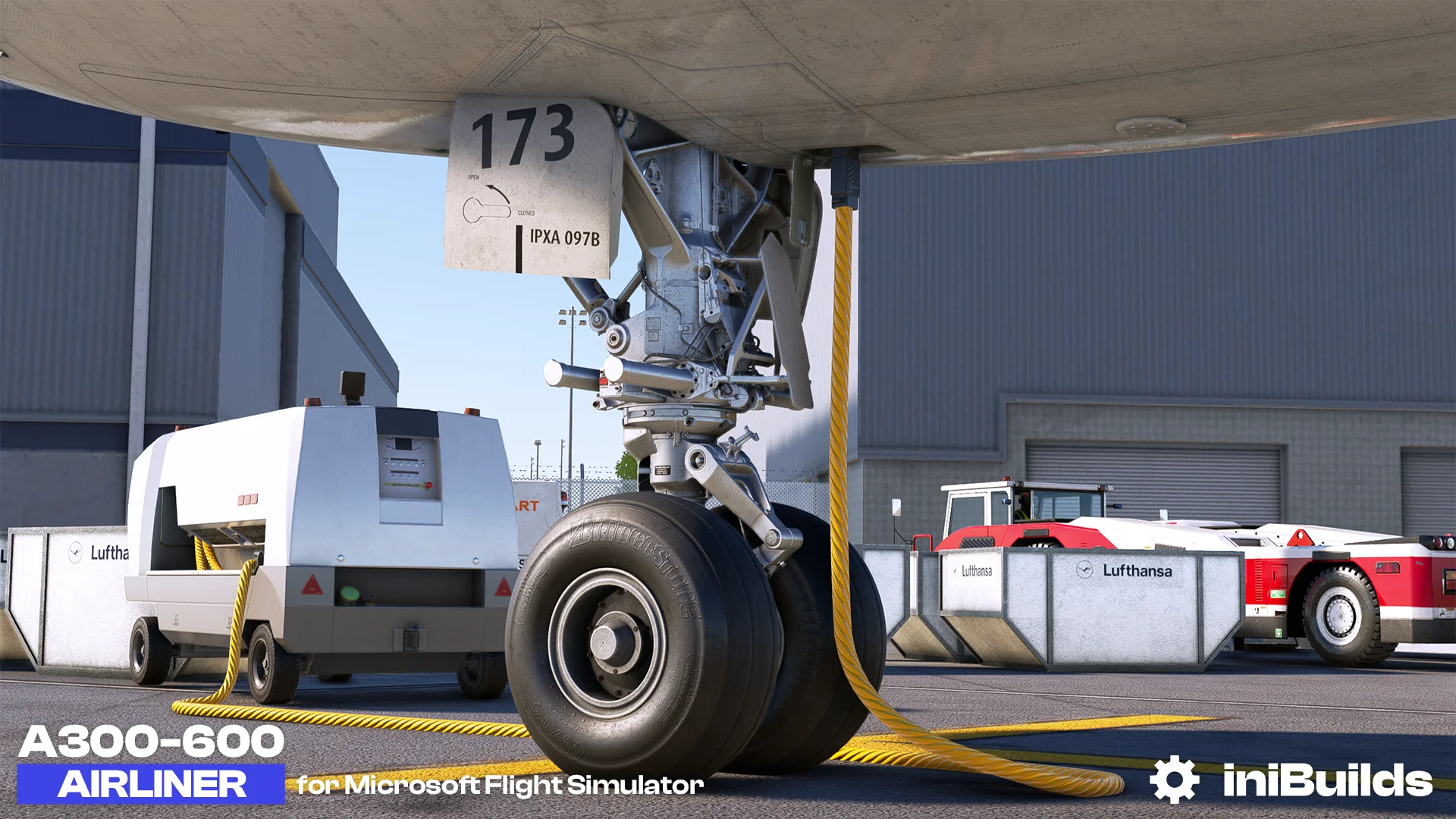
- Fixed – GSE items moving with rudder
- Fixed – Engine EGT reacts to fuel lever when engine is not started
- Fixed -EHAM Runway degrees bug
- Fixed – Pressurization gauges
- Fixed – Sim ATC reads COM3 by default
- Fixed – Double P.DES FMA
- Fixed – Spawning on the RWY has no GW showing
- Fixed – GPU Indication issue
- Fixed – VNAV T/D improvements
- Fixed – Manual VOR/ADF tuning fixed
- Fixed – Above/Below waypoint constraints reversed on vert rev page
- Fixed – Temperature limit in FMC fixed
- Fixed – APU low fuel pressure ECAM should go if any of the left hand pumps are on and isolation valves open
- Fixed – Cabin Alt jumping up for seemingly no reason
- Fixed – Active fix should be white on ND
- Fixed – Returning from pause can cause engines to cut out
- Fixed – Green FMC glow present in C&D
- Fixed – Cargo CONT knob issue fixed
- Fixed – Spoilers in flight fixed
- Fixed – Radio not working with Pro ATCX
- Fixed – [v1.0.0] Yoke Movement
- Fixed – FO sun blind isn’t flipping down
- Improved positions of light on tail & fixed flipped turnoff lights
- Added commands for rudder via keyboard
- Removed CG autofill for erroneous GWCG calculation
The airplane is available on the iniBuilds Store for roughly $44.55, requiring at least 8 GB of free hard disk space to install.
Stay tuned to Threshold for more flight simulation news!