Just recently, large scale developer PMDG has updated their Douglas DC-6 for Microsoft Flight Simulator, the update is mainly focused on performance enhancements brought up by users to the development team since the product is in “wide usage”
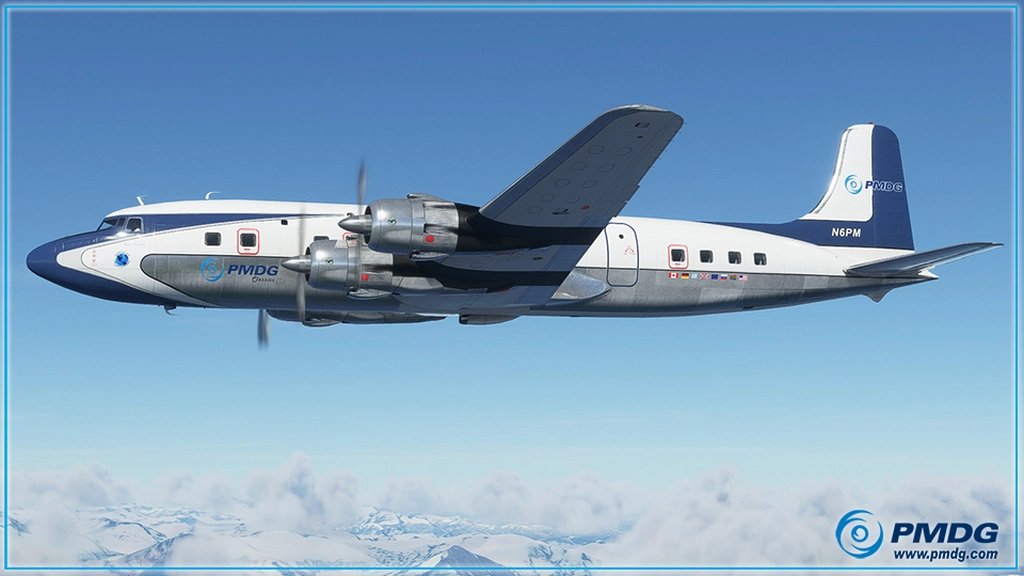
The main highlighted features in this update can be found below:
- MSFS Time Acceleration Rate Awareness and Control: The sim’s acceleration rate is now displayed on the tablet’s Options page. This is really useful since MSFS doesn’t display that information for you anyplace that is actually useful. You can immediately go to 1:1 time with the tablet button, too, which is very useful.
- Tablet click spot tweaks: We did some cleanup to help make the tablet click-spots a bit easier to find with the mouse.
- Added hardware controls for beacon/strobes/nav (see notes below)
- Performance improvements when realistic engine damage mode is selected ON.
- Automated Flight Engineer tablet page completely overhauled to make it easier to use and easier to read in flight.
- More LOD model refinements
- Cabin model refinements
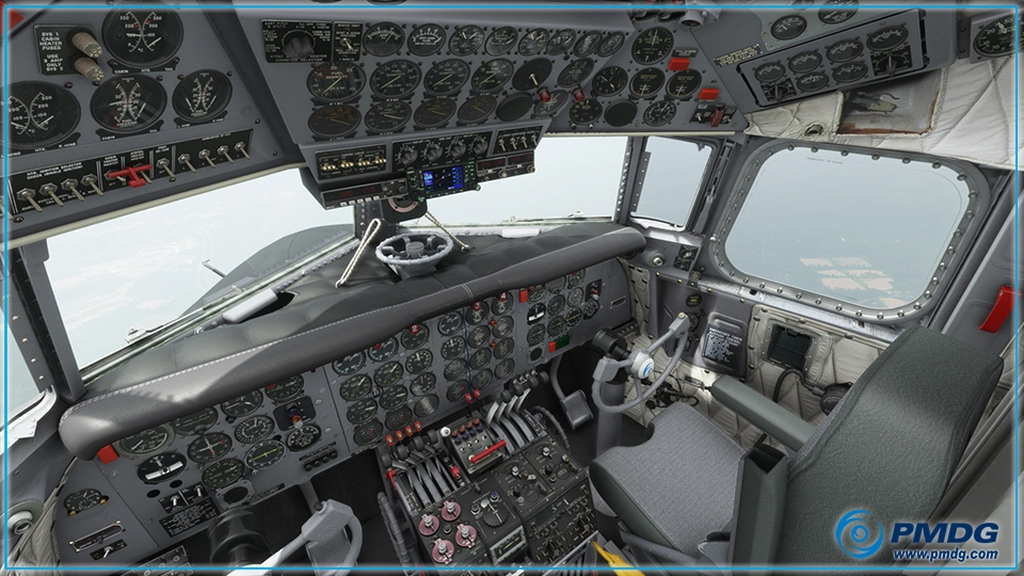
And more specific update log can be found here:
- 0010048: [Virtual Cockpit – Geometry/Textures/Appearance] Removal of Small Polygon artifact on glareshield in VC (vscimone)
- 0010049: [Virtual Cockpit – Animation/Functionality/Click-Spots] Layout on AFE page needs to be less cramped. (hvanrensburg)
- 0009992: [Sounds] Allow hardware control of position and beacon lights (cbpowell)
- 0010036: [External Model – Geometry] LOD behavior using Drone camera (jbrown)
- 0010032: [External Model – Geometry] Shorten texture path names to help get under the 260 character limit on paths for users with abusively long path-names (jbrown)
- 0010043: [Virtual Cockpit – Animation/Functionality/Click-Spots] Add Simulation Rate indicator and reset button to Options page in tablet. (hvanrensburg)
- 0010044: [Systems Behavior/Functionality] Display sim rate and allow user to immediately trigger 1:1 time (cbpowell)
- 0009962: [Documentation] Addition to Introduction document. (hvanrensburg)
- 0010038: [Virtual Cockpit – Geometry/Textures/Appearance] Sections of cockpit ceiling look flat in VR. (vscimone)
- 0010039: [Virtual Cockpit – Geometry/Textures/Appearance] Entry light housing in back room looks flat in VR (vscimone)
- 0010037: [Virtual Cockpit – Geometry/Textures/Appearance] Padding on walls and ceiling still looks flat (vscimone)
The developer stated that the update, like previously, can be found via the PMDG Operations Center.
The original post by PMDG can be found on Facebook or on their forums.