The freeware X-Plane 11 and Prepar3D tool suite SimToolkitPro was updated yesterday to version 0.5.70 with a hotfix released just hours later updating it to 0.5.71.
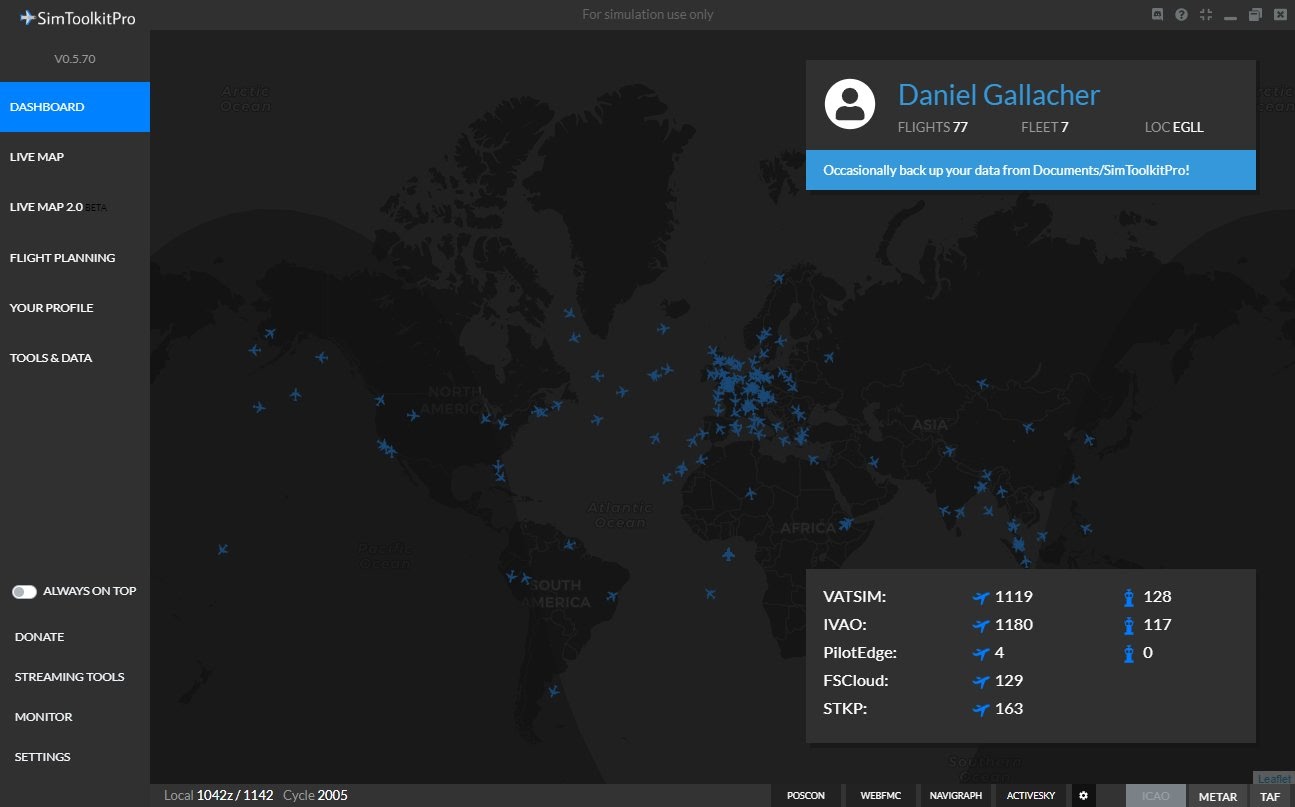
SimToolkitPro is an electronic flight bag (EFB) software compatible with both X-Plane and Prepar3D. The program includes flight planning via SimBrief, an airport database, flight logging, weather injection (XP only), a landing tracker, a live tracking map and much more.
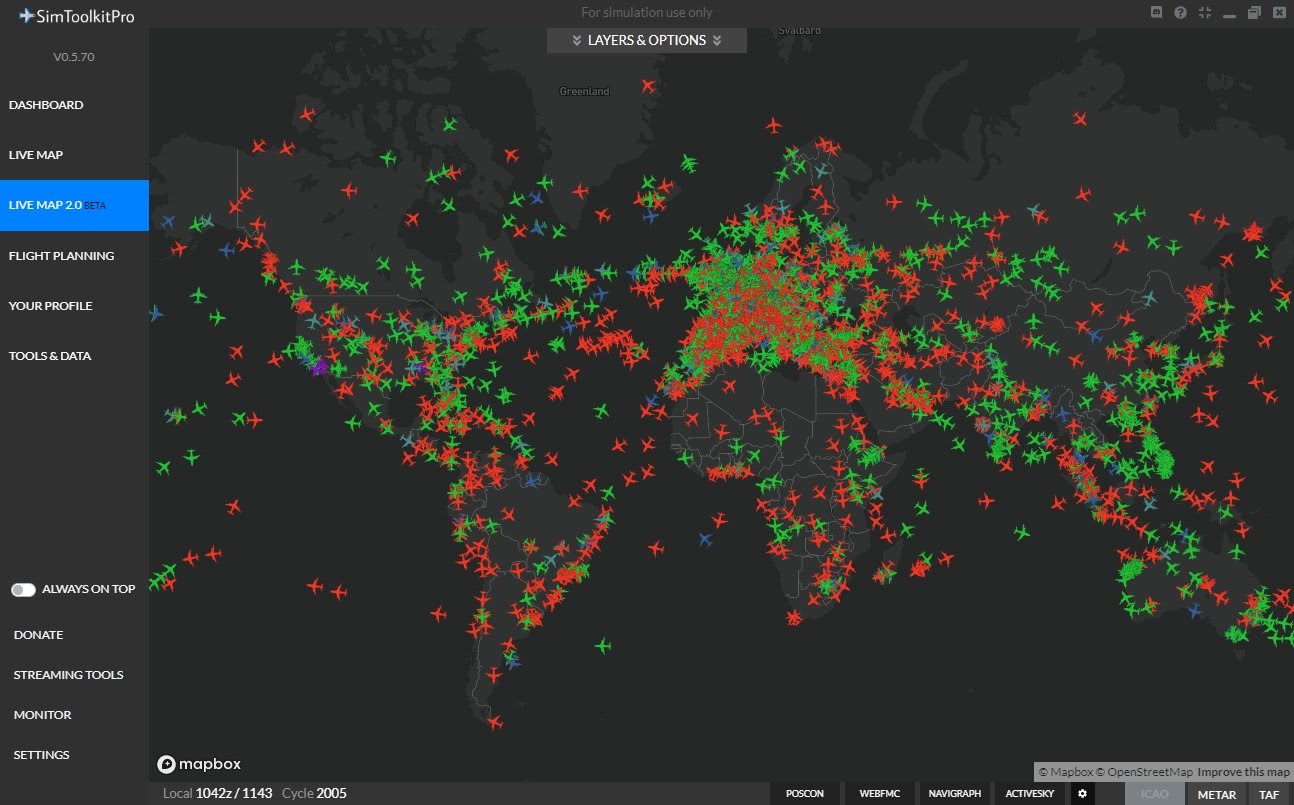
The release of the update was announced in a Twitter post and mainly includes a new UI for all of the application as well as airline images. Here are the main points of the changelog provided by SimToolkitPro’s developer Daniel Gallacher:
- [NEW] Airline Images – New images courtesy of Krijag!
- [NEW] UI – New UI for the entire app!
- [UPD] Core – Added fullscreen window button in top right
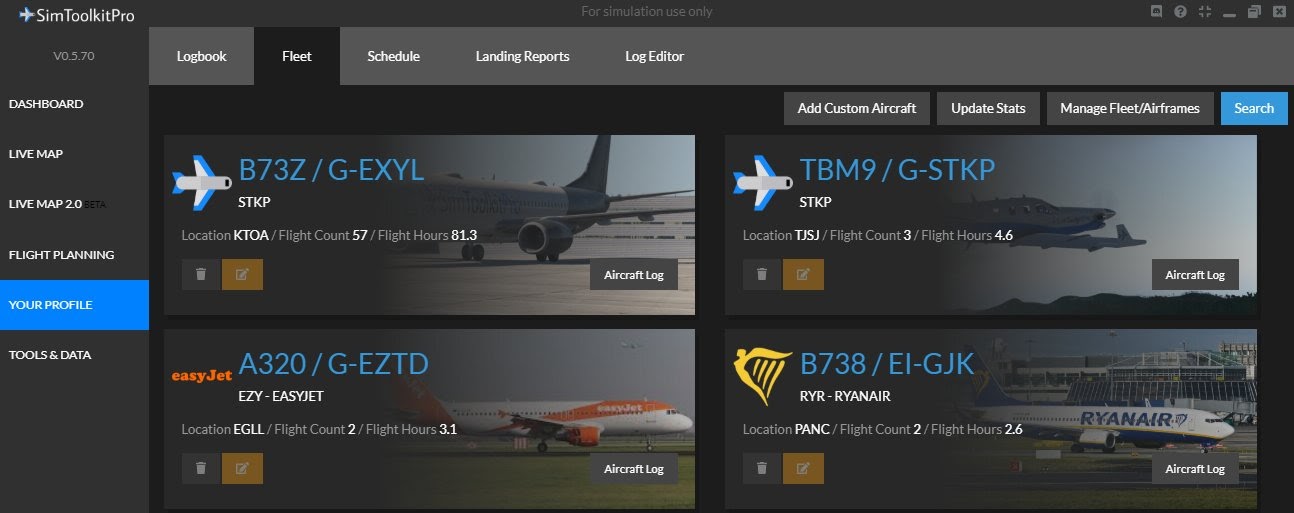
- [UPD] Fleet – Added Fleet Image
- [UPD] Fleet – Changes to layout, larger airline logos
- [UPD] Fleet – Updated to match new design
- [UPD] Flight Planner – New UI changes to make it a bit more user friendly
- [UPD] Flight Planner – UI Changes for consistency with new design
- [UPD] Flight Summary – UI Overhaul to update for new design. Fuel and payload is now a tab on the departure airport
- [UPD] Live Map 2.0 – Added Day/Night overlay option
- [UPD] Live Map 2.0 – Added flight following not perfect, some work required
- [UPD] Live Map 2.0 – Added hover popups for all flights
- [UPD] Tab Manager – Tabs now highlight when active
- [FIX] Core – Added check for old NSIS installer version of STKP with auto uninstall
- [FIX] Core – Sim time not shown if not available
- [FIX] Core – Network mode (set in settings) disables auto connect and shows connection buttons on the dash
- [FIX] Live Map 2.0 – Added beta tag to the menu element
- [FIX] Live Map 2.0 – Now remember last position and zoom level
- [FIX] Live Map 2.0 – Can now display airspace coverage for Vatsim/IVAO (Not currently showing airport coverage)
- [FIX] Landing Reports – UI Updated
- [FIX] Landing Reports – Fixed default check state of file error notice
- [FIX] Landing Reports – Timer now runs at 1s/s rather than 5s/s (realtime)
- [FIX] Settings – Option for using STKP on a networked device added
- [FIX] Logbook – Time fix for exported csv format
We last covered SimToolkitPro in January 2019, check our article about it.
SimToolkitPro is available for download on their website for free.